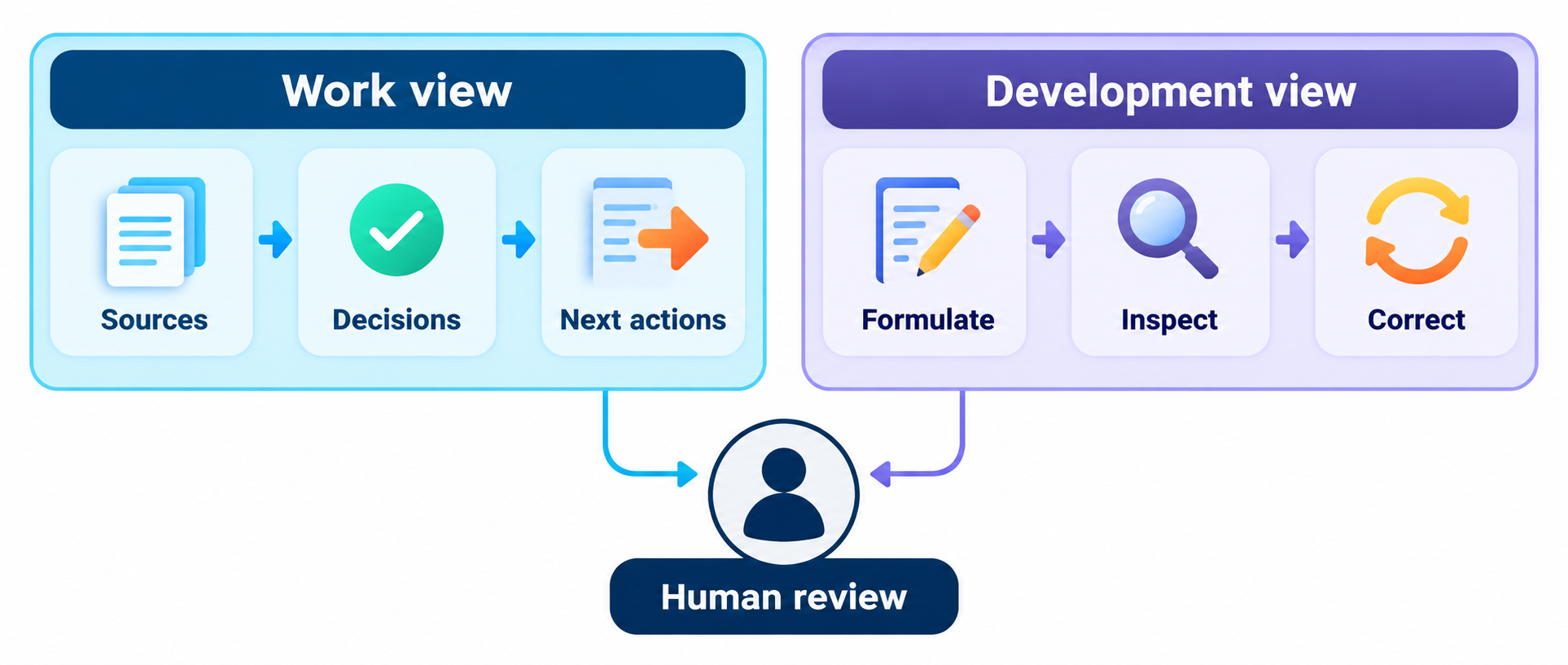
Work view
Inspect the useful result, dated sources, draft or accepted status, decisions and next action. The saved work record—not the dashboard—is authoritative.
 Second Brain · alpha.13 pilot
Symbiotic Second Brain
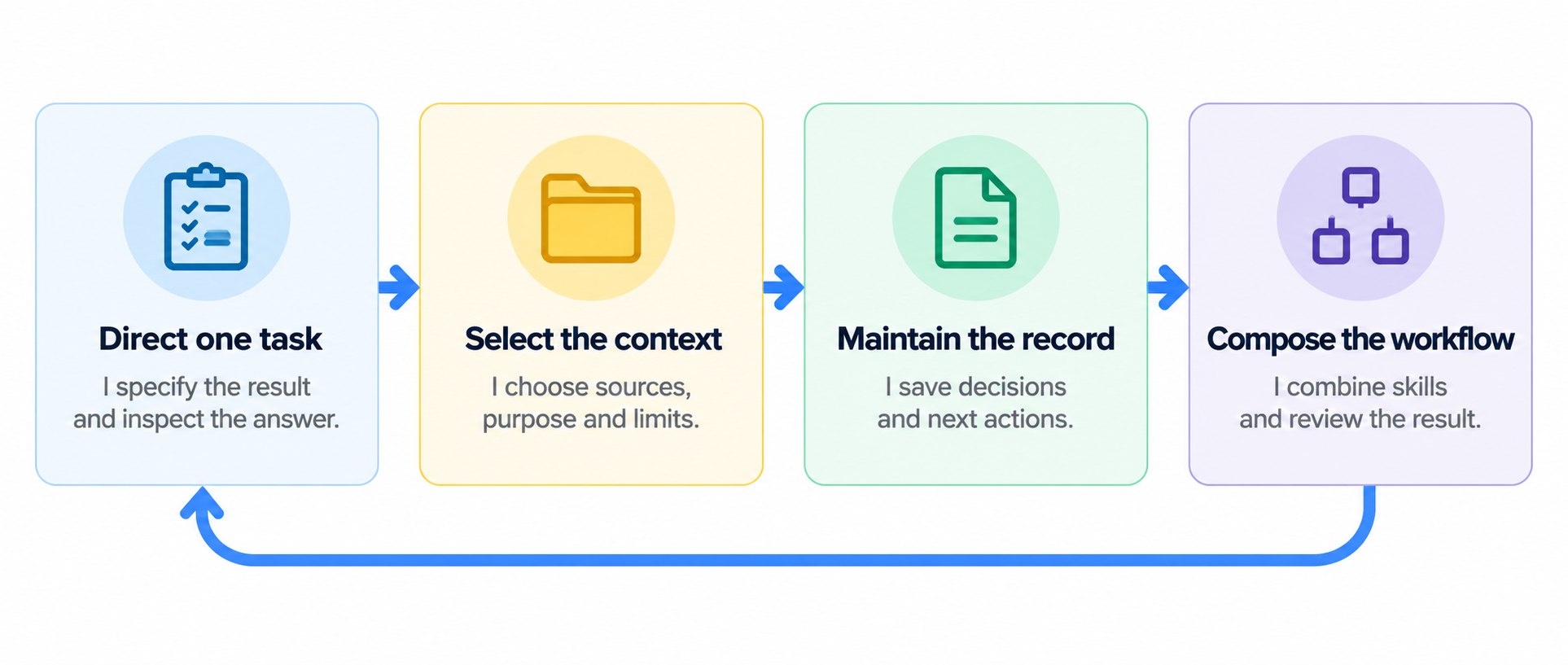
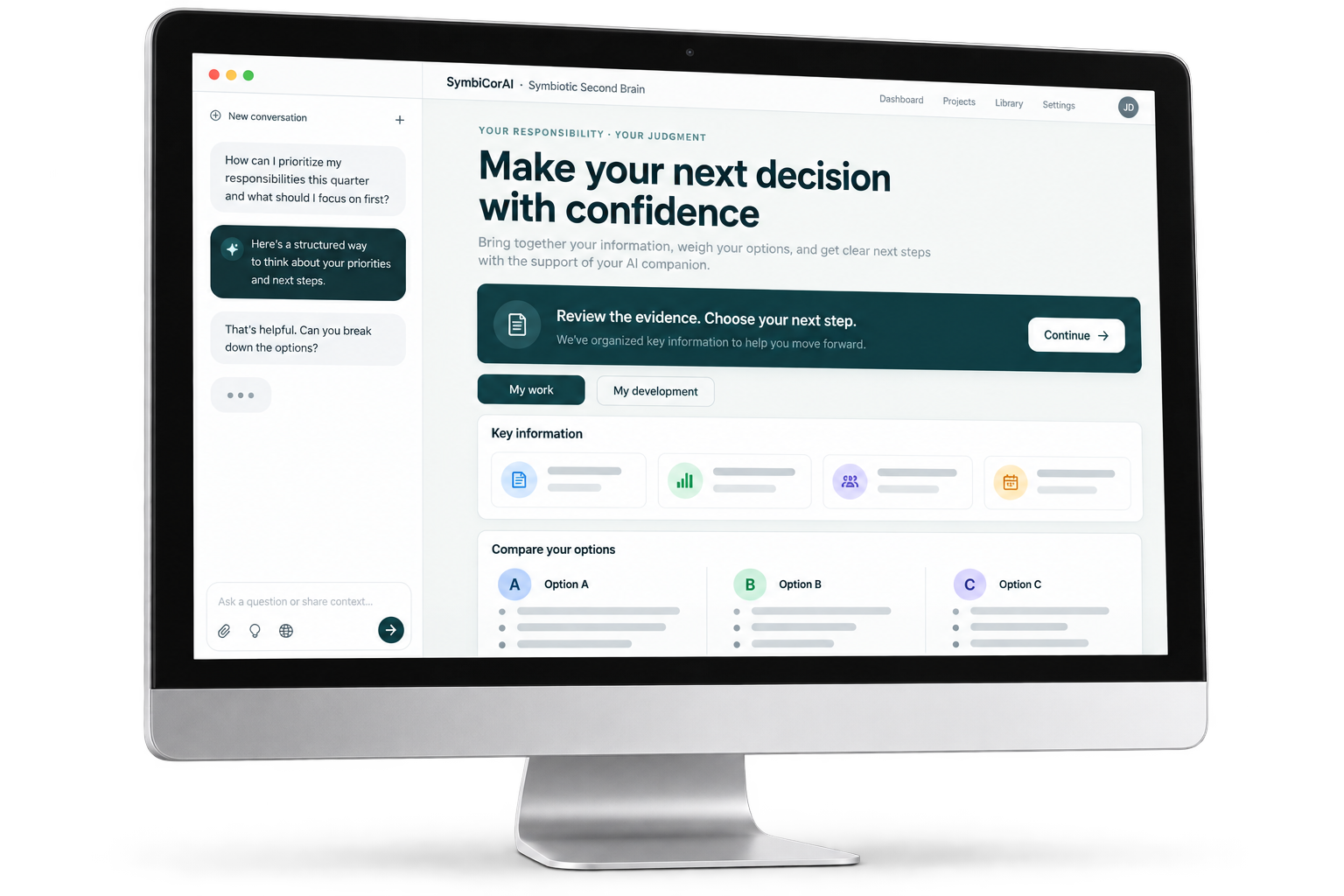
Bring the sources, decisions and next actions for one responsibility together. Produce useful work while practicing how to direct, inspect and improve AI-supported work.
On your phone? Save this link and continue on a laptop. Opening the page does not install a skill, connect an account or upload information.
On your phone now?
Send it to yourself or save it in your bookmarks. Open the same page on your laptop when you’re ready.
On iPhone, you can also use your browser’s Share menu to bookmark this page or send the link. Email opens your mail app; you choose the recipient and send it.
Both downloads use the same current shared skill and dashboard renderer: 0.4.0-alpha.13 · checked October 15, 2026. Native ChatGPT and Claude setup, Work and Development views, progress review with a refreshed dashboard, and fresh-chat recovery have been tested in Allan’s accounts. This supports a facilitated pilot, not a guarantee for every account or device. Chat-generated PDFs have been tested in ChatGPT; the actual browser Print / save PDF output and Claude-specific PDF export still need checking.
Use your own responsibility and information you are permitted to share. There is no preloaded example brain. Uploading the portable ZIP is not native installation; file and code tools depend on your account. Progress reviews use copy and paste or a direct chat request. The hosted integration remains paused.
Chat Image illustration. Tap to enlarge.
Inspect the useful result, dated sources, draft or accepted status, decisions and next action. The saved work record—not the dashboard—is authoritative.
See optional next-practice guidance. Retain observations only with separate consent. A journal records what you inspected or corrected; it does not score mastery.
The assistant generates the companion from your actual saved records. Open the generated HTML to inspect both views. Manual import into this website is not the normal workflow.
Open the ZIP. Read ChatGPT-Startup.md and skills/symbiotic-second-brain/SKILL.md. Create second brain for xyz. Ask me what responsibility xyz should cover, then guide me one step at a time using only information I supply or authorize.Continue the attached existing brain. Read the saved record, identify draft versus accepted state and the next action, then regenerate the companion. Do not start over.Generated conversation files may be temporary. They are not automatically saved to your computer or Google Drive. Keep your downloads. If uploads or code tools are unavailable, work through your own responsibility on paper or in an approved chat. You can still work through the responsibility in an approved chat without a dashboard.
The optional ChatGPT plugin ZIP contains the same skill and renderer. Native installation requires your workspace’s permission; downloading it grants no access. Once installed, invoke it rather than attach startup instructions again.
The Claude skill archive contains the same generic source. Initial native Claude setup has been checked; that does not establish compatibility across all accounts. Do not assume parity or bypass organization controls.
The Claude skill uses the same current shared source as the ChatGPT plugin. Native setup, both views, review-to-dashboard refresh and fresh-chat recovery passed in Allan’s account. Your organization must permit custom skills and code execution; verify the same steps in your own environment.
Claude skills require code execution and may be restricted by your organization. Official Claude setup instructions. SSB’s complete iPhone setup remains unverified. Use a laptop for setup.
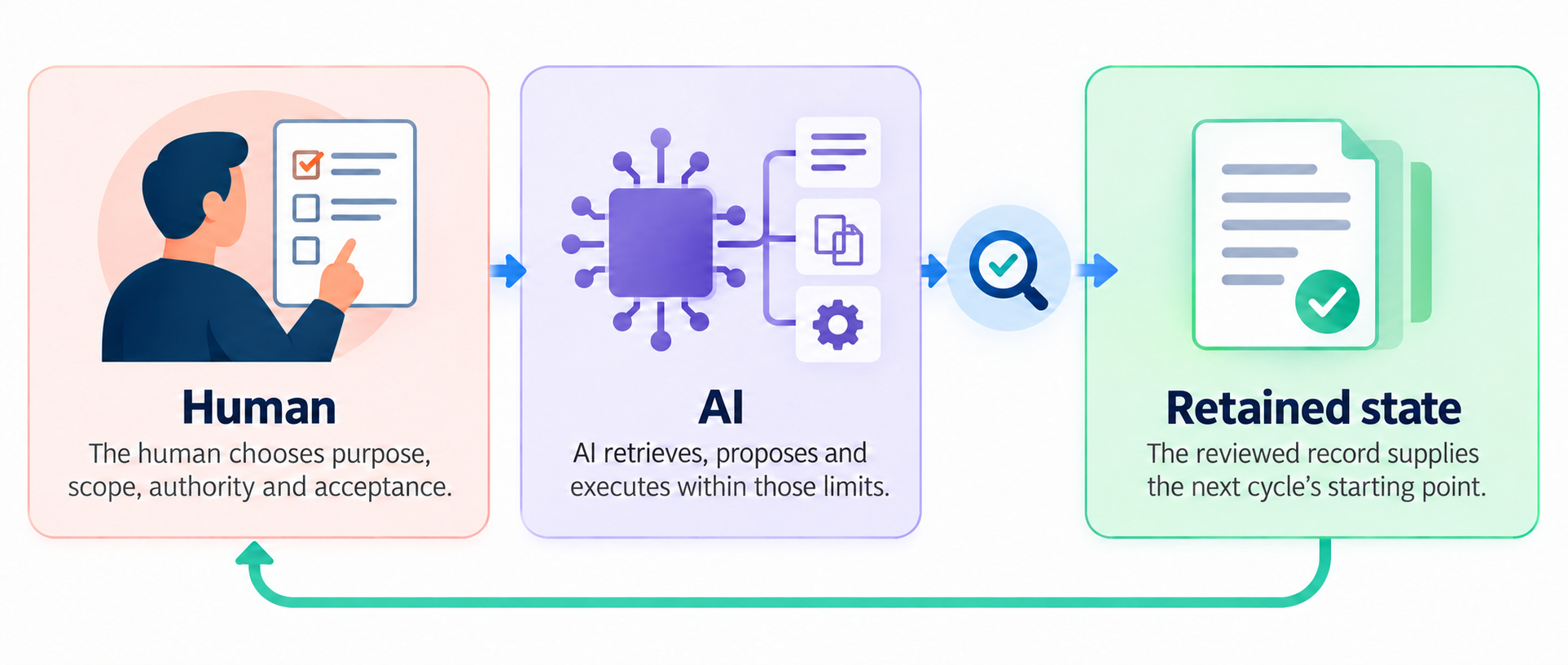
Ask AI to explain its evidence and uncertainty. Inspect the draft before accepting it, and save the reviewed state for your next session.
The companion HTML is read-only. It does not contain a chatbot, write records, synchronize devices or call an evaluation service. Prepare progress review prepares text only. Copy request → paste into your Second Brain chat → review the results. The button does not run AI or save an assessment. You can instead type “Review my development and recommend what to practice next” directly in your existing brain chat. Review is optional, and the skill saves a new report and regenerates the dashboard only when your consent and its tools permit. No hosted service or new account is required; the hosted integration is paused. A new saved checkpoint produces a new companion.
No private connection, credentials, personal brains or client records are included. The older manual-import dashboard remains a legacy fallback, not the normal companion route.
Progress review is optional. Choose Prepare progress review, then Copy request → paste into your Second Brain chat → review the results. Or type “Review my development and recommend what to practice next” directly in your existing brain chat.
After a consented review, the skill should save a new report and give you a refreshed dashboard with the results and next-practice recommendations. Open the new file; an older HTML page does not refresh itself. If saving or regeneration is unavailable, the assistant must explain what remains incomplete. Useful work does not depend on retaining a development record.
In the companion, choose Work only, Development only, or Work and Development, then Print / save PDF. Select Save as PDF in the browser’s print dialog. If a preview blocks printing, download the HTML and open it in your browser.
Development can include private observations. Use Work only when sharing work without personal learning. The print button does not itself confirm that a PDF was saved. The hosted integration is paused; no additional service account is required.
0.4.0-alpha.13 · October 15, 2026
Account permissions and fresh-session behavior still need to be checked in your environment. The pilot is not a certification, promised setup time or evidence of human learning.
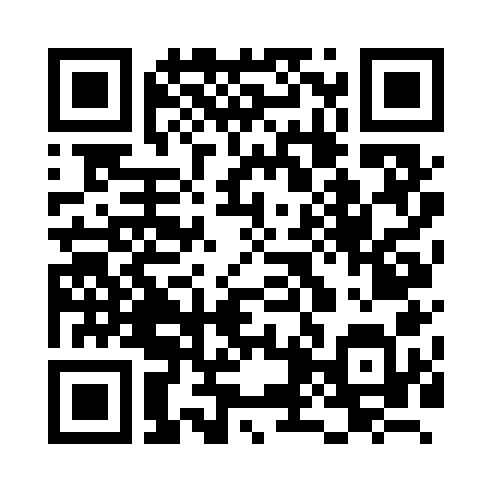
symbiotic-second-brain.allanamadler.chatgpt.site
The QR opens this page. A laptop is recommended for file practice; phone installation is not guaranteed. Save the link and practice later if you prefer.
This public website does not receive your work or learning records. Downloaded HTML embeds its source records and has no authentication or encryption. Do not share it with someone who should not see them. Upload only permitted information to your approved AI provider. Work retention is not permission to retain a learning journal.
Use only information you are permitted to share with your chosen AI provider. Your organization controls accounts, connectors and storage.